
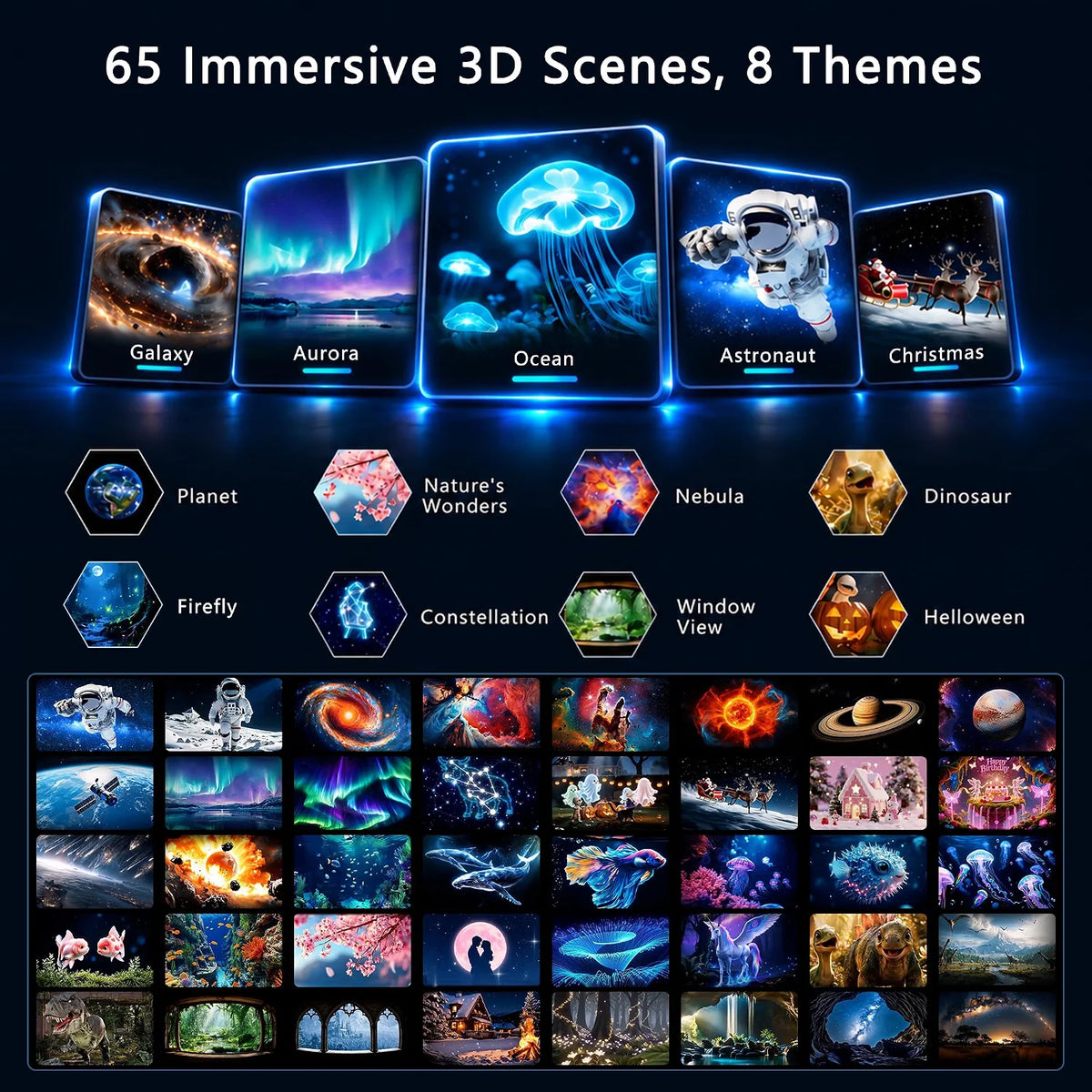
65 Dynamic Scenes
Find your next view

*Final price and availability on Amazon.
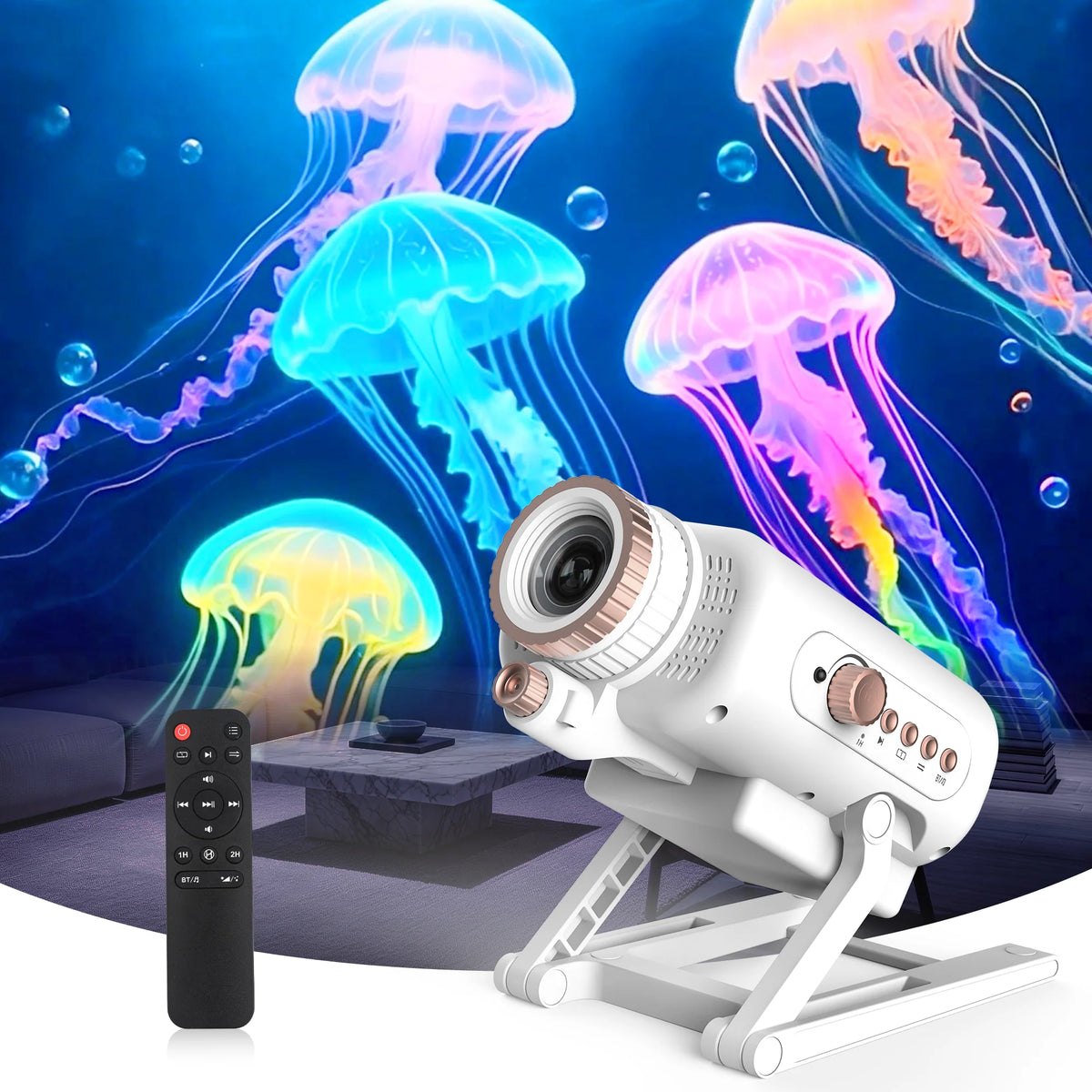
AIRIVO White 3D Galaxy Projector — 3D02
Questions about your AIRIVO product? We're here to help you make the most of it. Explore the answers below or reach out to our team.
Shipping Information
Shopping on Amazon? Shipping options and estimated delivery dates are shown before checkout. For tracking and delivery updates, visit Your Orders on Amazon.
Customer Support
Need a hand with setup or everyday use? Our team can help with product questions and troubleshooting. Contact us and tell us what you're experiencing.
FAQ’s
Looking for a quick answer? Visit the FAQs section on this product page for guidance on features, setup, and common questions.
Contact Us
Still have a question? Send us a message through our Contact page. We'll respond as soon as we can.
AIRIVO MOMENTS

Sit back with your little one and watch a nebula unfold across the wall.
SCENE PREVIEW
Watch astronauts drift and glowing whales glide across your walls. With the AIRIVO 3D02 Galaxy Projector, bring a little wonder to quiet evenings, family gatherings, and holiday celebrations.
PROJECTOR FEATURES
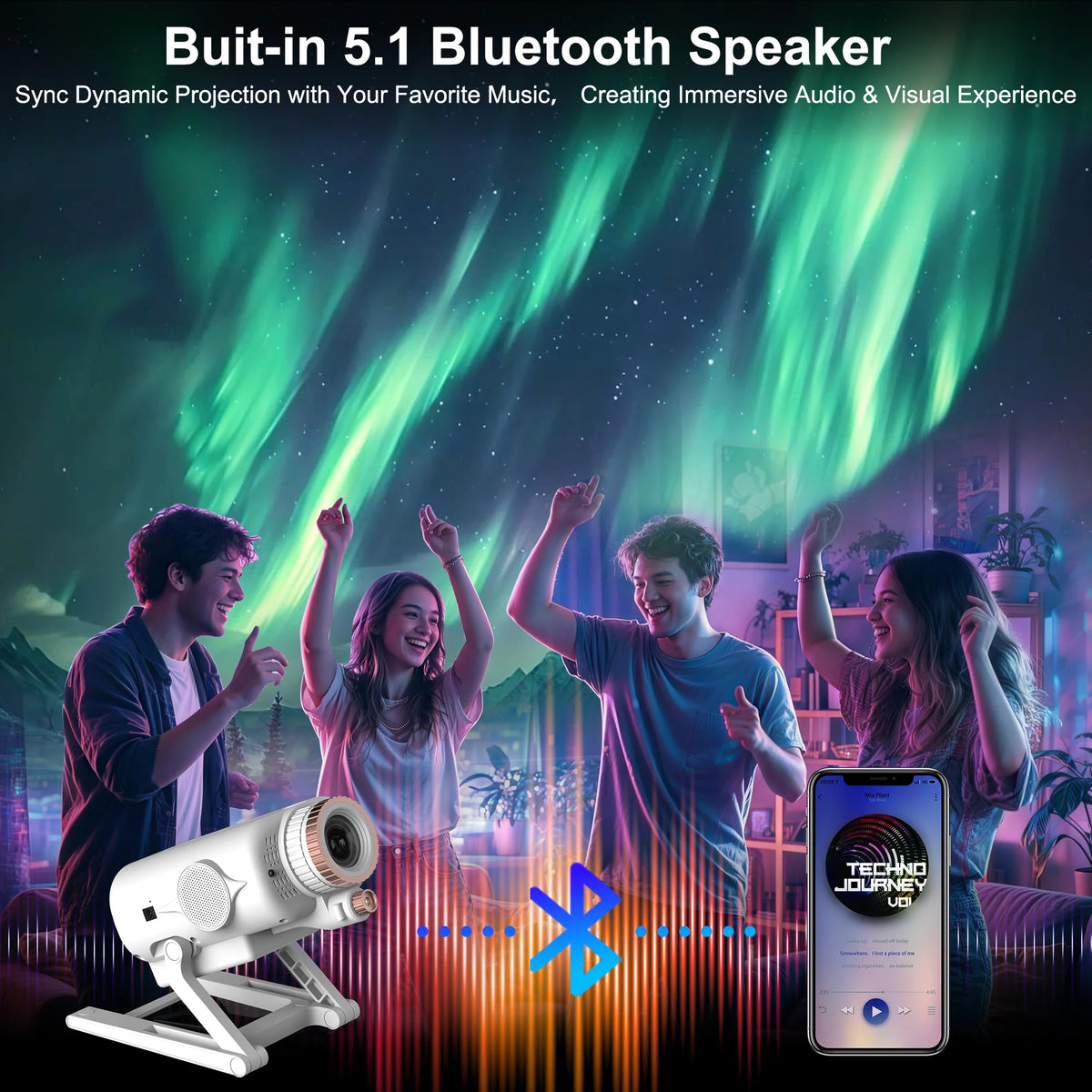
Pick a scene, adjust the picture, and put on a playlist.

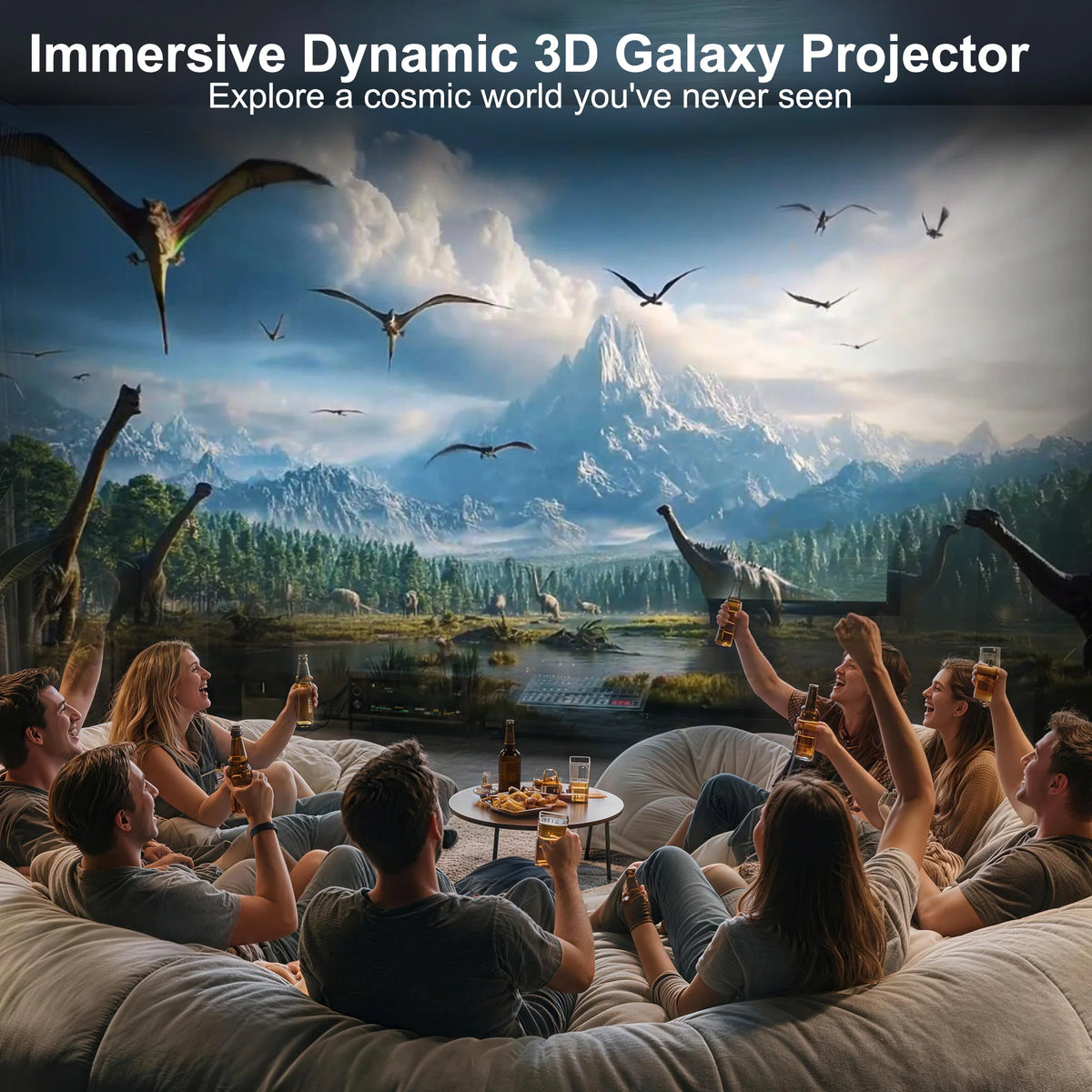
Settle in on the couch and let a moving scene unfold across your wall.
Set up the AIRIVO 3D02 galaxy projector in the living room or by your bed, and adjust it as the evening winds down.
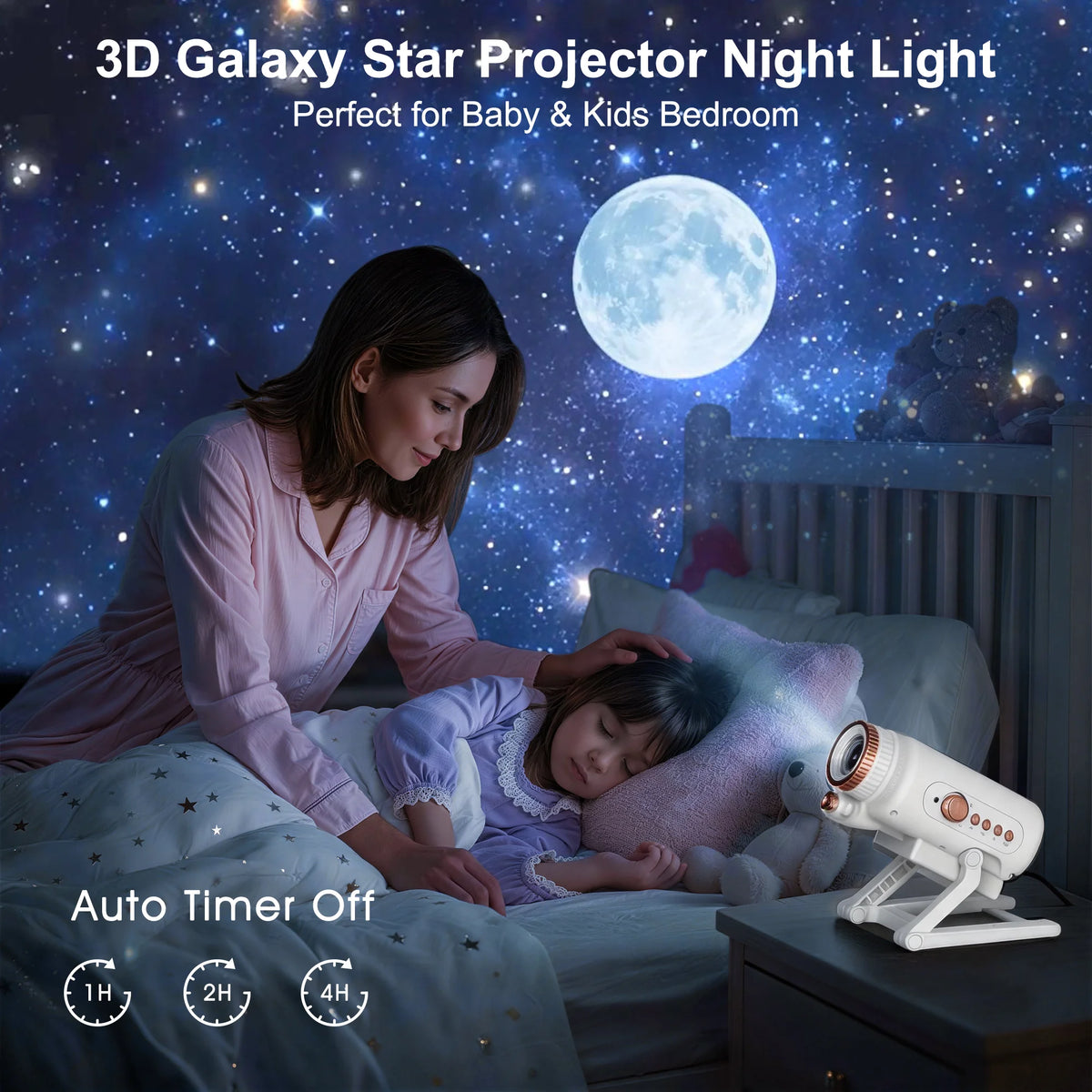
Choose from five brightness levels for a softer glow at bedtime. Set a 1- or 2-hour auto-off timer. By default, the projector shuts off after 4 hours of continuous use.
From the couch or bed, use the remote to skip to the next scene or pick a built-in scene from the menu.
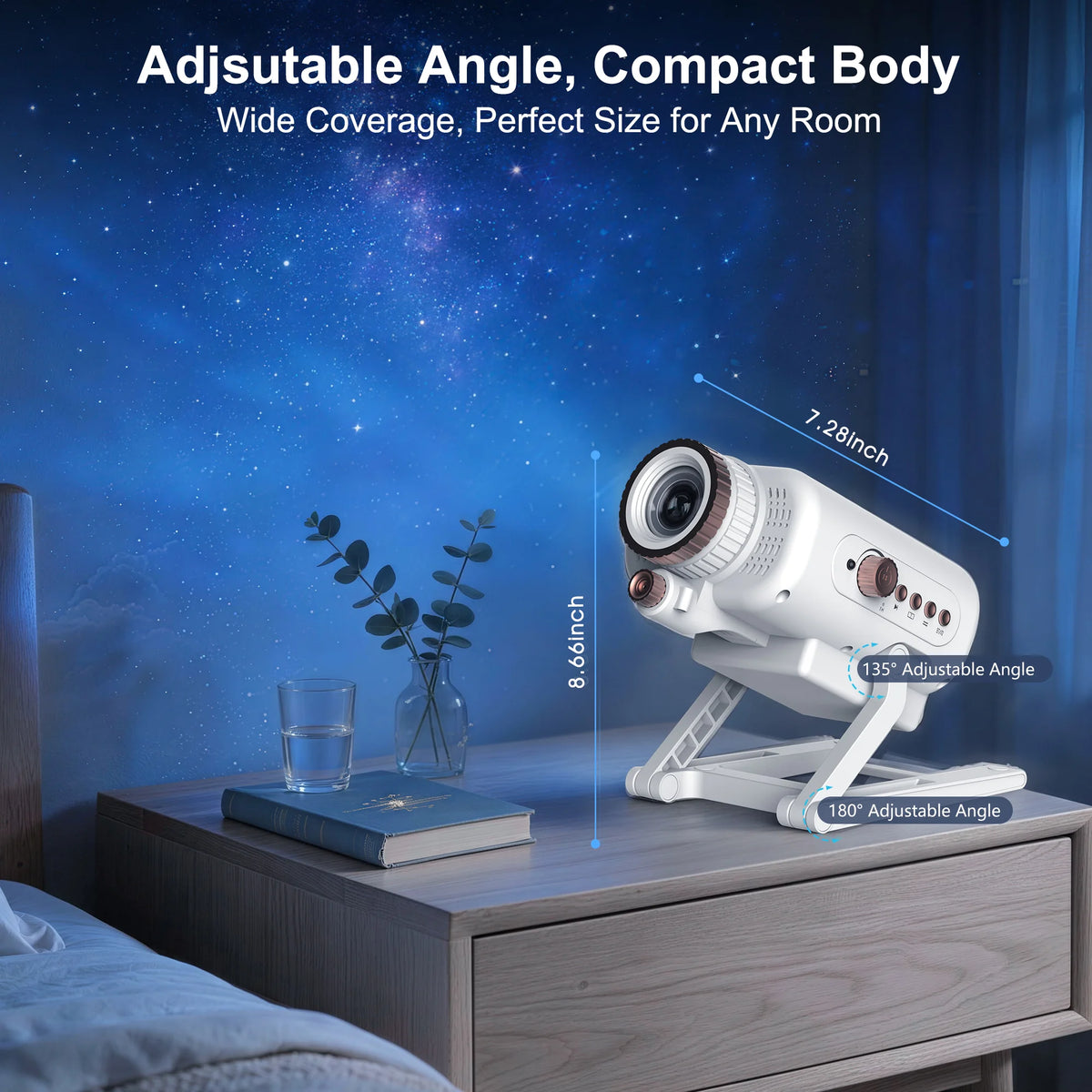
The compact 3D02 fits on a nightstand or side table, right beside the book you’re reading.
AIRIVO PRODUCT DETAILS
The settings, power requirements, and package details at a glance.
A few things to know before you choose your scene.
The projector includes 65 dynamic scenes. You can loop a single scene or play the scenes in sequence.
Place it on a stable surface about 6.6–9.8 feet (2–3 meters) from the wall or ceiling you want to use. Adjust the stand to aim the picture, then turn the manual focus wheel to bring it into focus.
The scenes are projected onto a wall or ceiling. The moving imagery creates a sense of depth on that surface.
Yes. Switch the projector to Bluetooth audio mode to play audio from your phone. You can also switch back to the built-in audio.
Bluetooth is used for audio playback. The projector’s scene controls select its built-in scenes.
There are five brightness settings: 5%, 25%, 50%, 75%, and 100%. Briefly press the remote’s brightness/star button to change the setting.
Choose a 1- or 2-hour timer using the remote. If you do not set a shorter timer, the projector turns off automatically after 4 hours of continuous operation.
Yes. Press and hold the remote’s brightness/star button to turn the green star effect on or off. A short press of the same button changes the picture brightness.
Yes. Use the included power adapter to power the projector. The specified DC input is 19V / 1.894A.
Some operating noise may be noticeable. For a more comfortable bedtime setup, place the projector a little farther from your bed to make operating noise less noticeable as you rest.
One 3D Galaxy Projector, one remote control, one power adapter, and one user manual. Remote control batteries are not included.
This projector is intended for indoor use. Keep it away from water and humidity, and avoid looking directly into the operating light source.
Discover more AIRIVO favorites, curated around your interests.


