
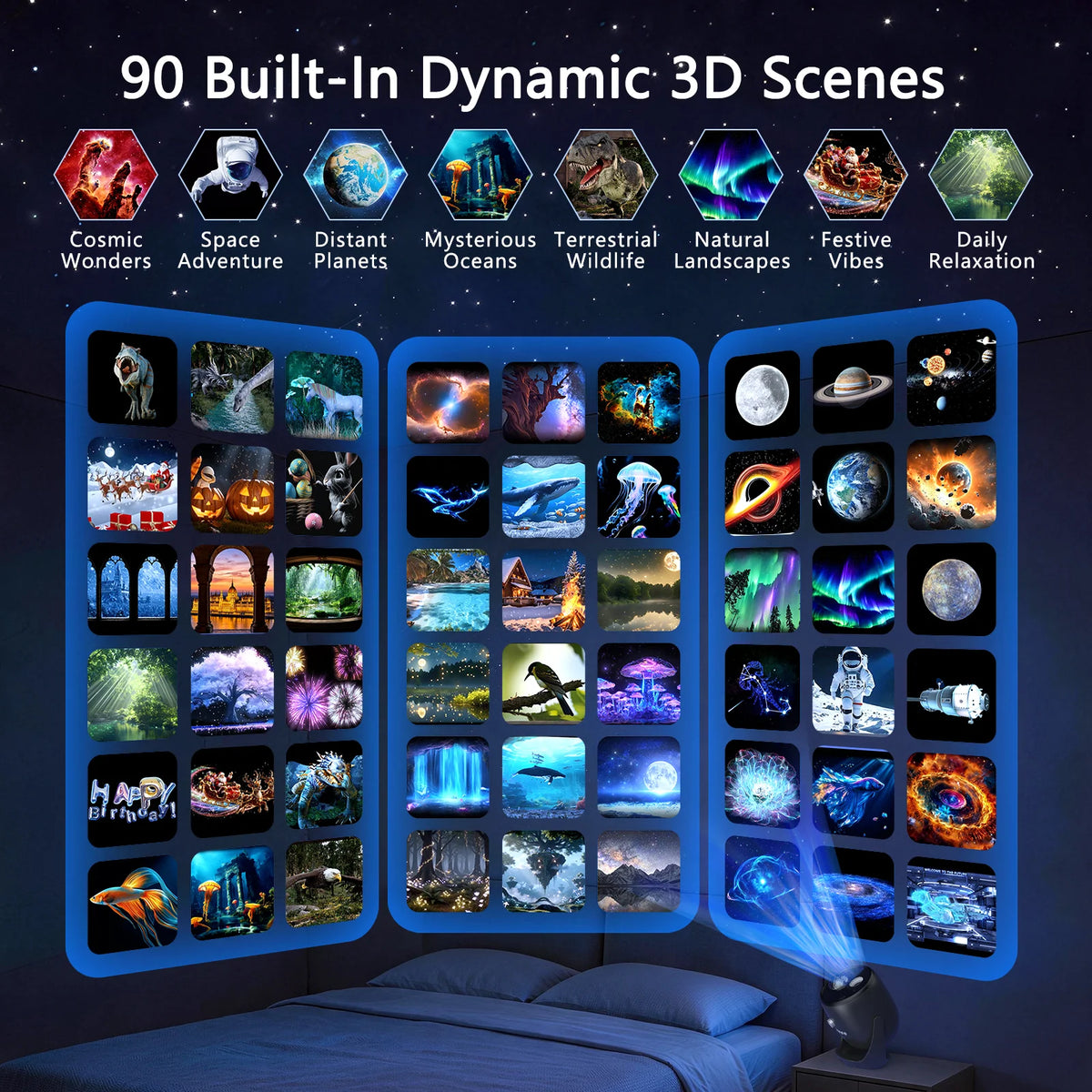
90 Dynamic 3D Scenes
Built-in scenes for every mood.

*Final price and availability on Amazon.
AIRIVO Black 3D Galaxy Projector — 3D01
Questions about your AIRIVO product? We're here to help you make the most of it. Explore the answers below or reach out to our team.
Shipping Information
Shopping on Amazon? Shipping options and estimated delivery dates are shown before checkout. For tracking and delivery updates, visit Your Orders on Amazon.
Customer Support
Need a hand with setup or everyday use? Our team can help with product questions and troubleshooting. Contact us and tell us what you're experiencing.
FAQ’s
Looking for a quick answer? Visit the FAQs section on this product page for guidance on features, setup, and common questions.
Contact Us
Still have a question? Send us a message through our Contact page. We'll respond as soon as we can.
For the Nights You Stay In

Take a trip beyond the everyday with planets, astronauts, and cosmic scenes that turn a quiet evening into a little space adventure.
THE 3D01 IN ACTION
See the 3D01 up close, from its design and controls to the way families choose and enjoy its scenes.
DESIGNED FOR YOUR SPACE
Explore the features behind the 3D01 and how they work in your everyday space.

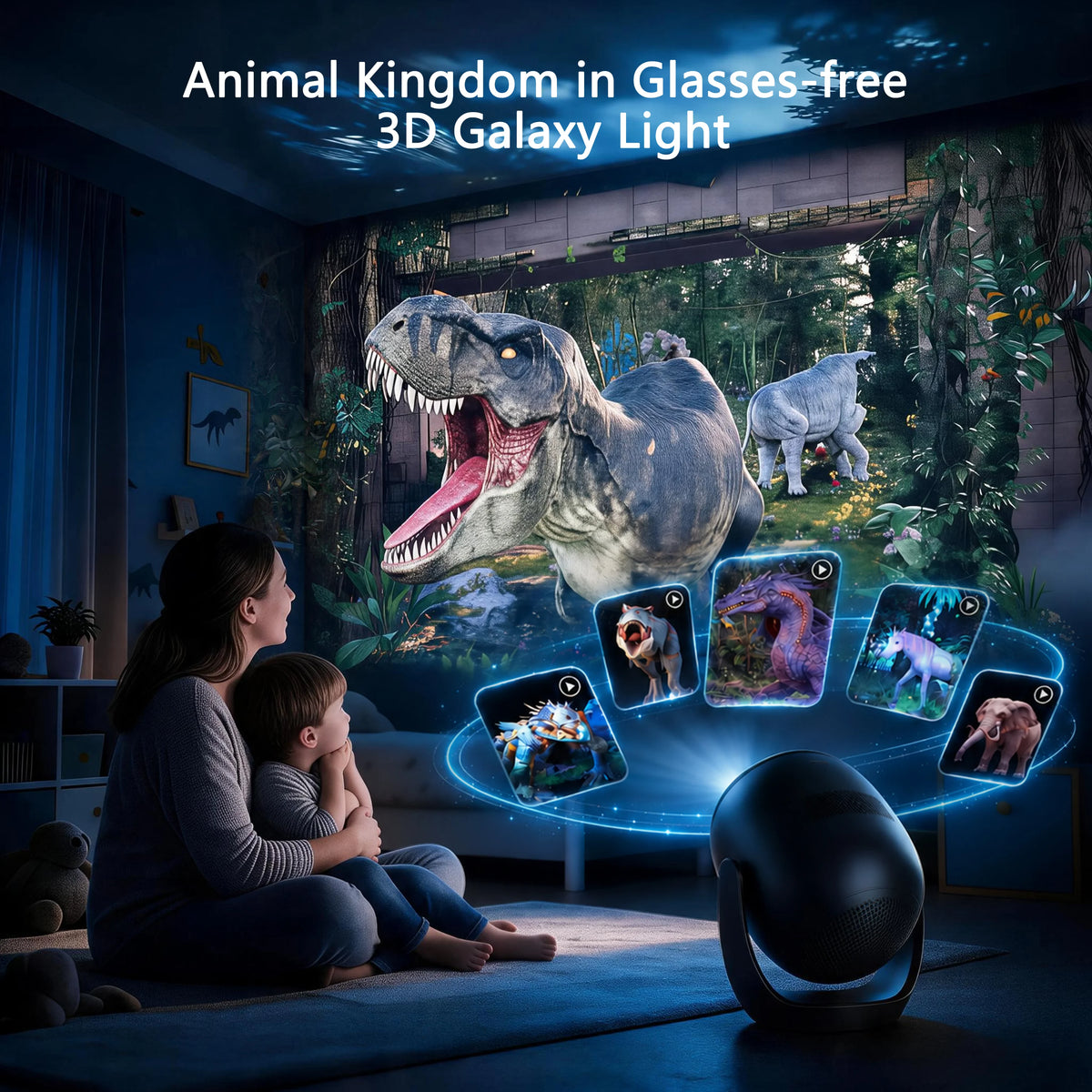
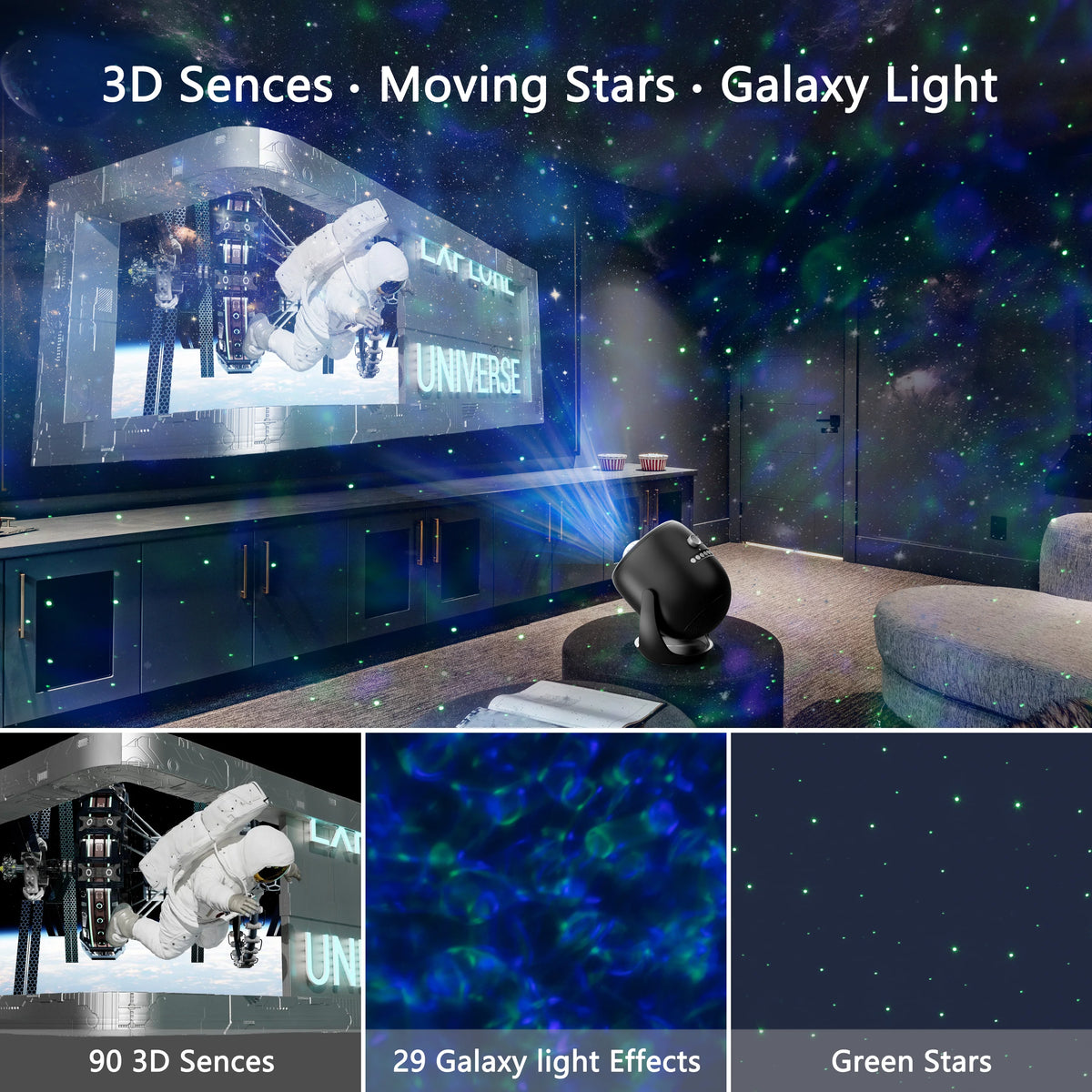
Explore space, ocean life, and nature on your wall or ceiling. Use the remote to choose a scene, loop a favorite, or play the built-in scenes in sequence.
Choose from 90 dynamic 3D scenes, layer the lighting, adjust your view, and set a timer for when the evening winds down.

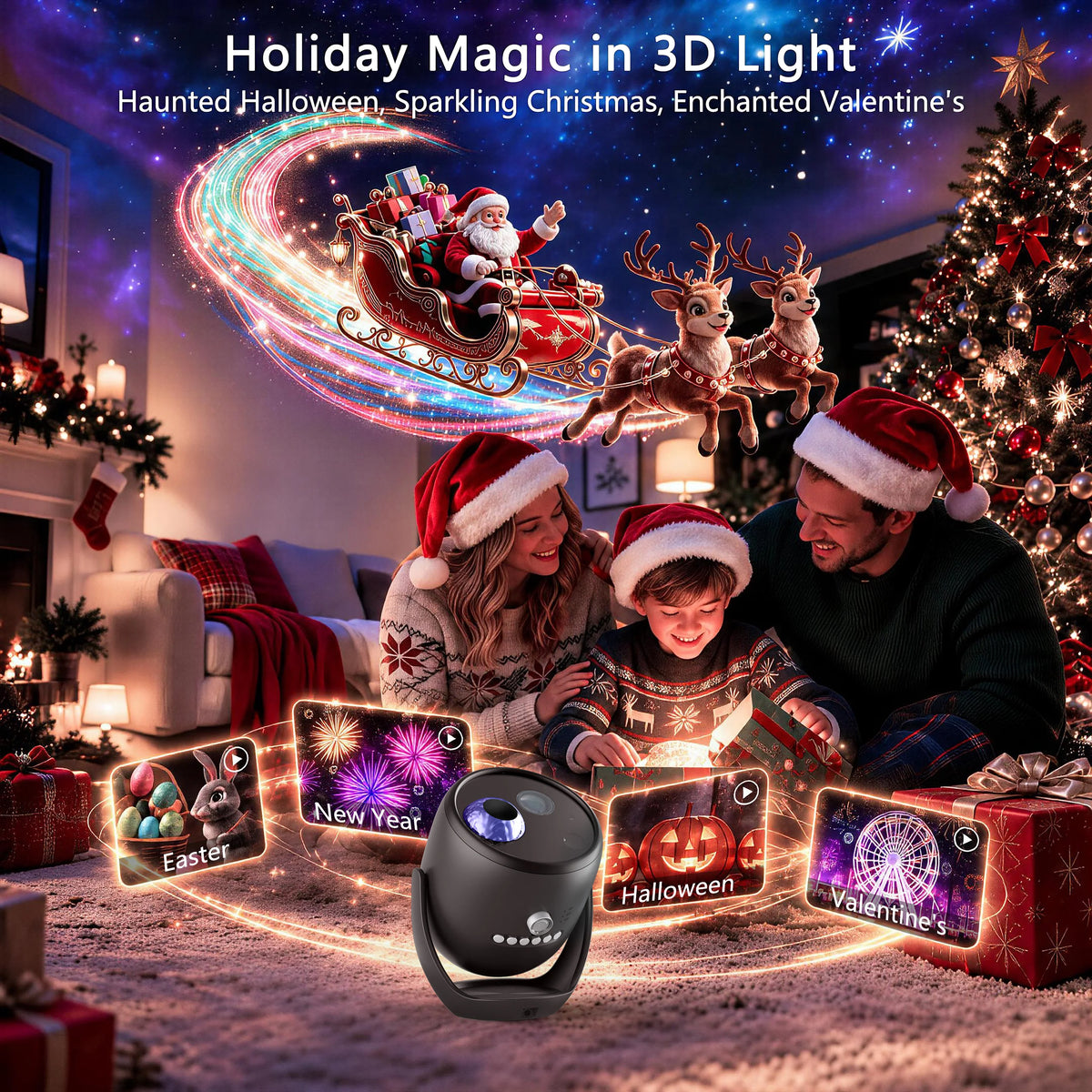
Explore 90 built-in dynamic 3D scenes, from cosmic wonders and distant planets to mysterious oceans, wildlife, festive moments, and peaceful natural landscapes. Find a scene that fits the mood of your space.

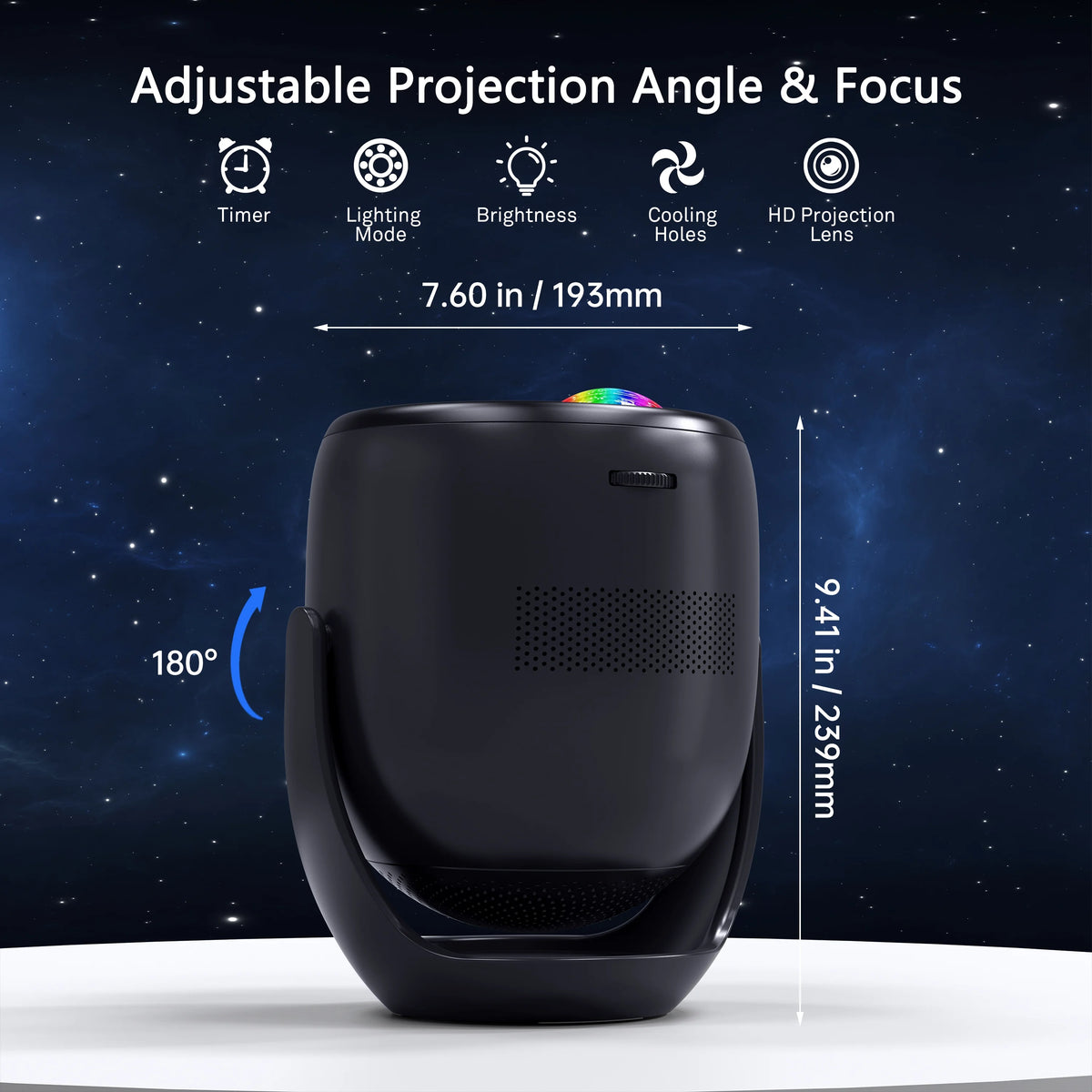
Tilt the projector up to 180° to direct the image toward a wall or ceiling, then fine-tune the focus for a clearer picture.

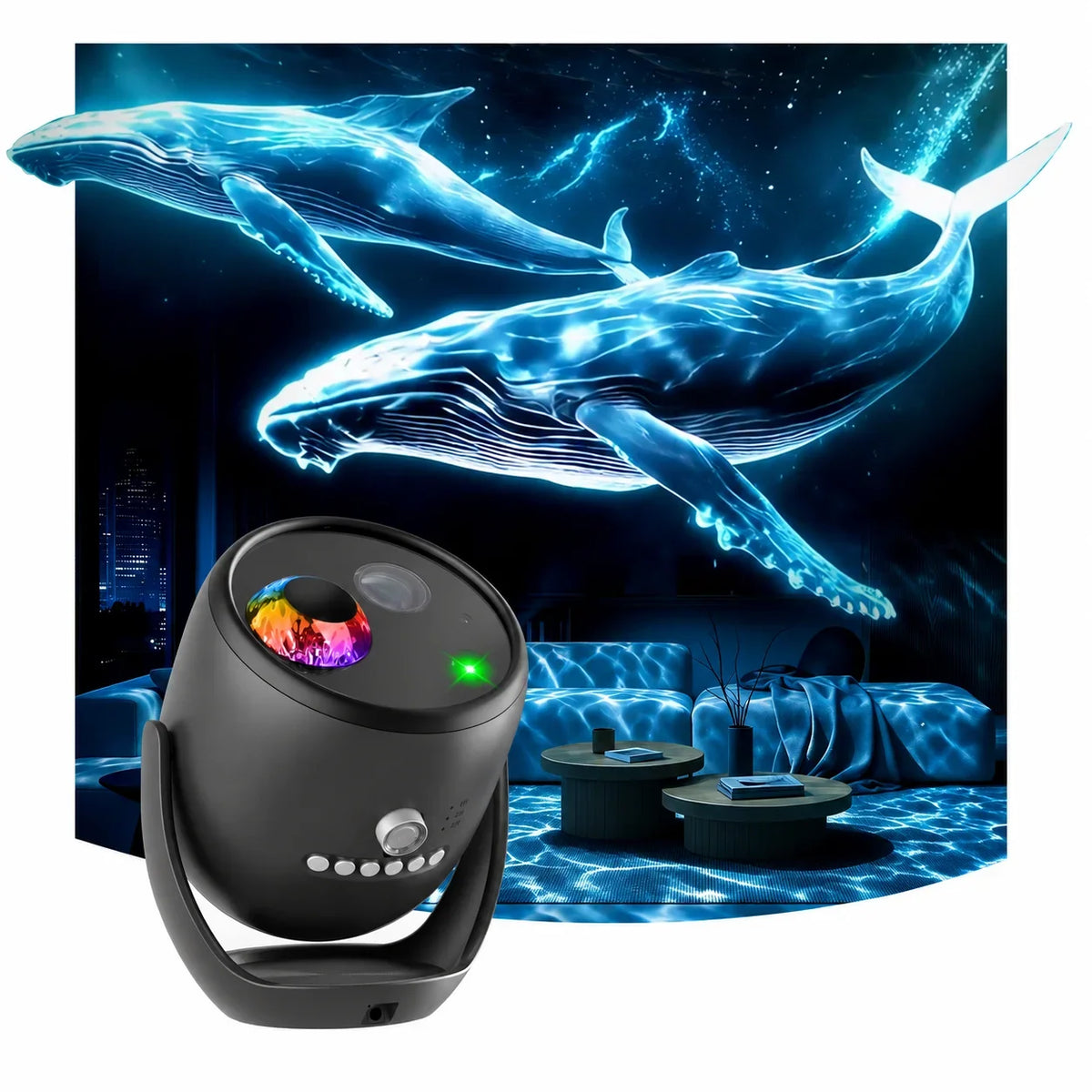
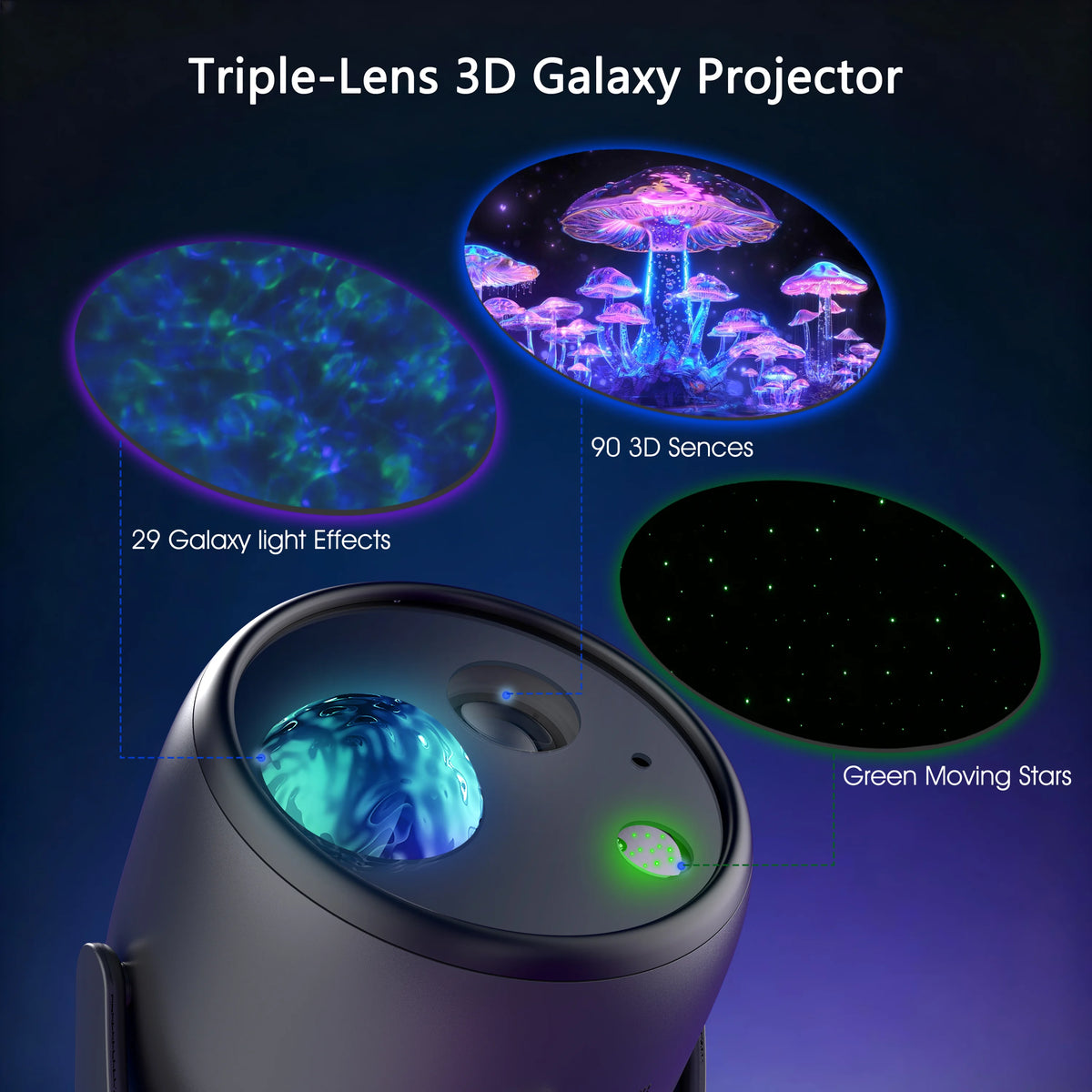
The triple-lens design lets you layer 90 dynamic 3D scenes, 29 galaxy light effects, and green moving stars for a richer visual experience. Mix these elements to create different looks for your space.

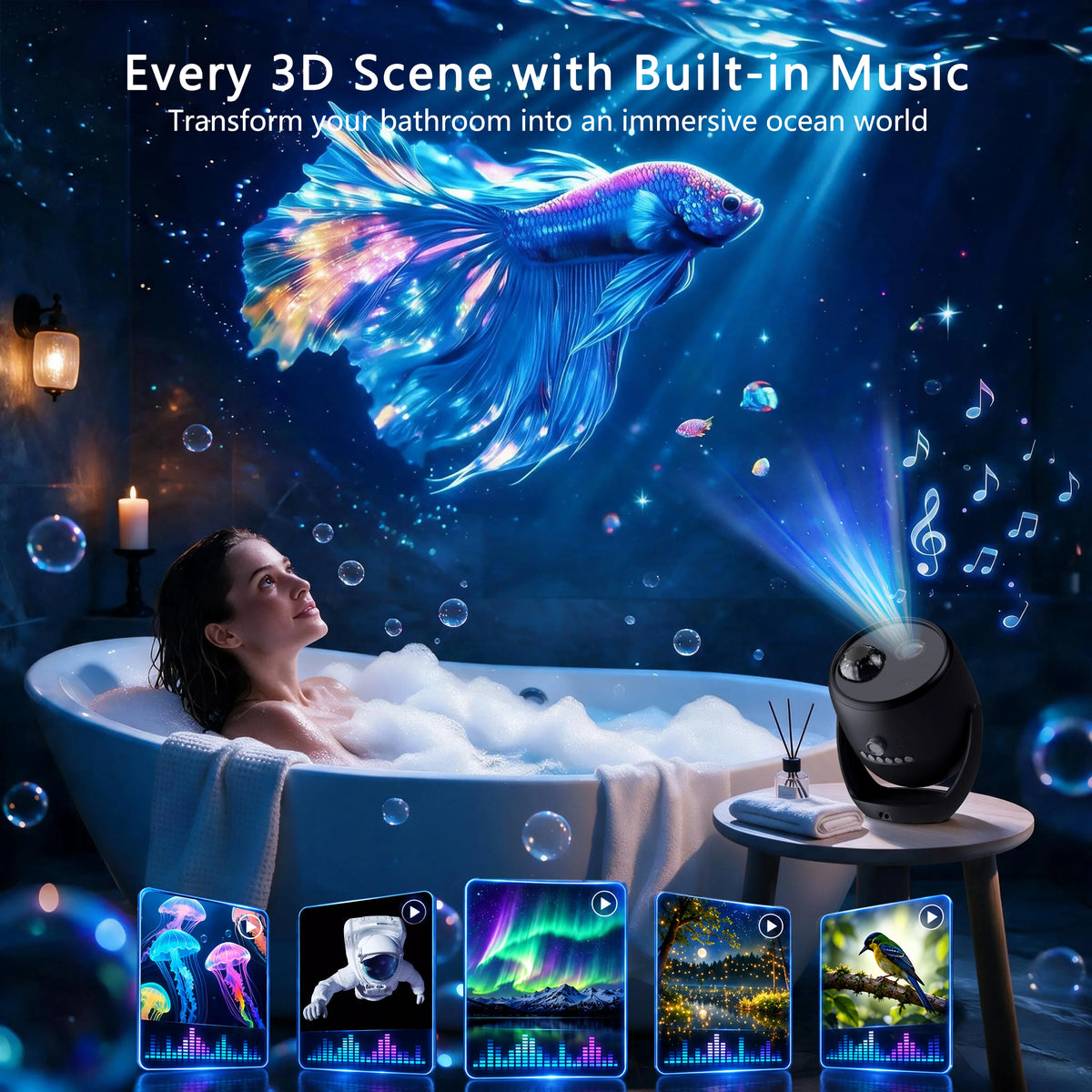
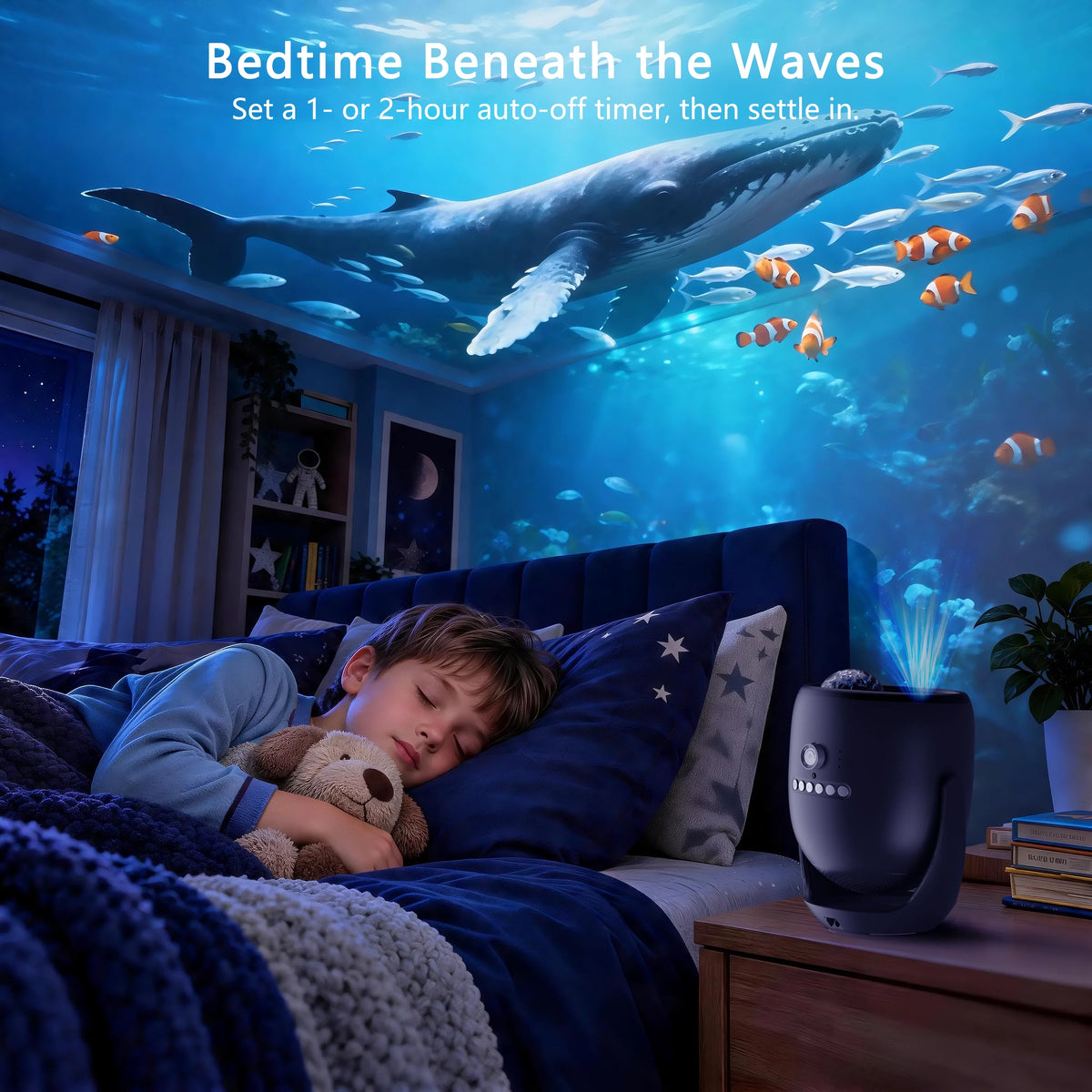
Set the 1- or 2-hour auto-off timer, then settle in beneath an underwater scene as the evening winds down.
AIRIVO PRODUCT DETAILS
Dimensions, power requirements, and what comes in the box.
Everything you need to know for a smoother AIRIVO experience.
No. All 90 dynamic scenes are built in. Open the scene menu with the remote, browse with the previous and next buttons, then press Play.
Yes. Tilt the stand toward a flat, light-colored wall or ceiling, starting about 10–16 ft (3–5 m) away. Adjust the focus wheel and dim the room for a clearer view.
Moving scenes have a sense of depth, with the image projected onto your wall or ceiling. It isn’t a free-floating hologram.
Yes. Use the combination button to select 3D Scene Only, and leave the nebula light off if you want just the scene. After startup, the projector defaults to 3D Scene Only.
It adjusts the nebula light from 0–4, with 0 off. Green star brightness is fixed. These settings do not adjust the brightness of the 3D scene.
Switch to Bluetooth mode, then select BL-3D01 in your phone or tablet’s Bluetooth settings. You can switch between Bluetooth playback and the scene’s background audio. If the connection drops after about 10 minutes without audio, reconnect and start playback again.
Turn on Music Sync separately to enable sound-reactive lighting. It uses the built-in microphone to detect sound, changing the nebula colors and pulsing the green stars. It responds best to beat-driven music at moderate-to-high volume. Bluetooth pairing alone does not enable this effect.
Yes. Use the remote to set a 1- or 2-hour timer, or cancel either one. The projector also shuts off after 6 hours of continuous use, whether or not you set a timer.
Yes, while it stays plugged in. After you switch it off with the power button, turning it back on returns it to 3D Scene Only and resumes the last selected scene. Previous settings may not be retained after unplugging or a power loss.
You may hear the cooling fan, especially while a 3D scene is playing. Some warmth is expected during use. Keep the ventilation openings clear so air can circulate.
Yes. Use the included DC 24V / 1.5A power adapter. It is designed to run from plug-in power.
Discover more AIRIVO favorites, curated around your interests.


