
THE AIRIVO JOURNAL / HOW-TO GUIDE
Your morning alarm. Your evening light.
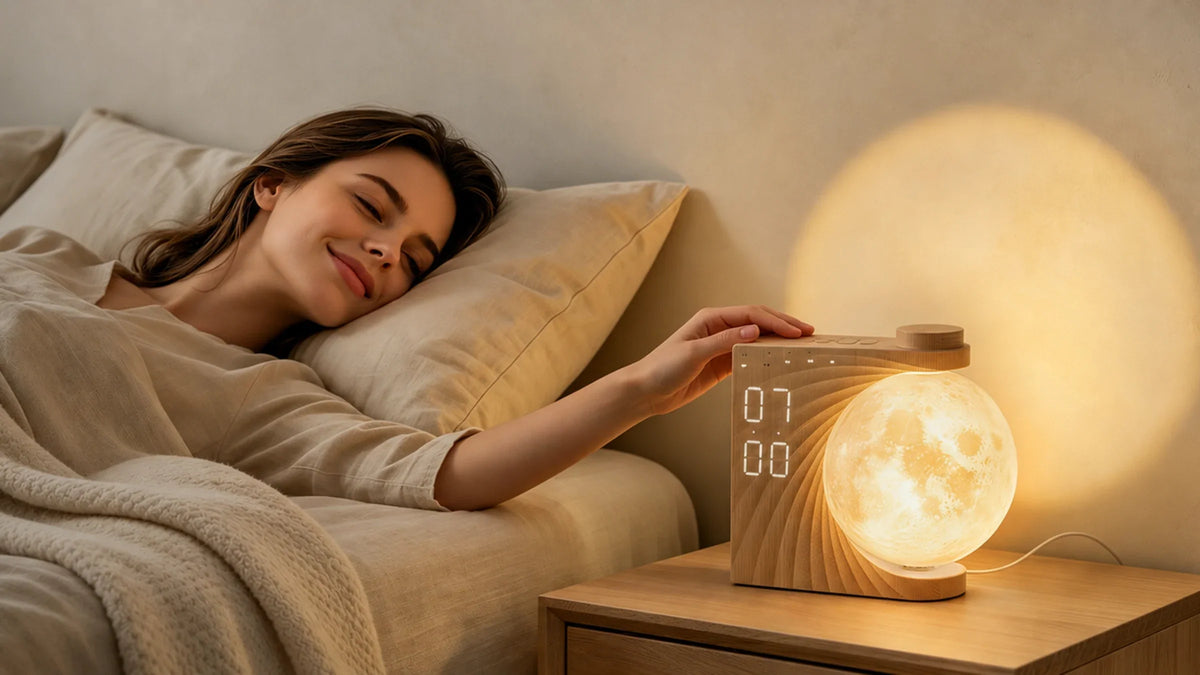
Choose how you wake up and wind down with the wood-grain AIRIVO Moon Sunrise Alarm Clock (AJ320A), part of our Alarm Clocks collection. Start with your alarm, then choose your evening light and sounds.
Key Takeaways
- Wake your way: Choose a sound alarm or a 10-minute sunrise glow, with or without sound.
- Set your evening light: Pick warm-white light with three brightness levels and a breathing mode, or explore the color options.
- Choose your background sound: Try 10 built-in sounds and set a 30-, 60-, or 90-minute sound timer.
01 / Initial Setup
Initial Setup
Place your clock on a stable nightstand within easy reach. Connect the included USB cable and power adapter, and keep the clock plugged in during everyday use.
Set the current time, then choose a 12- or 24-hour display. If you use the 12-hour format, check AM and PM.
02 / Alarms & Sunrise
Alarm & Sunrise Settings
Choose the setting that fits how you like to wake up:
ALARM 1
Sound Only
Wake to an alarm tone at your set time.
Alarm volume · V01–V12
ALARM 2
Sunrise + Sound
Light starts brightening 10 minutes early; your alarm tone plays at the set time.
Alarm volume · V01–V12
ALARM 2
Sunrise Only
Light starts brightening 10 minutes early, without an alarm tone.
Alarm volume · V00
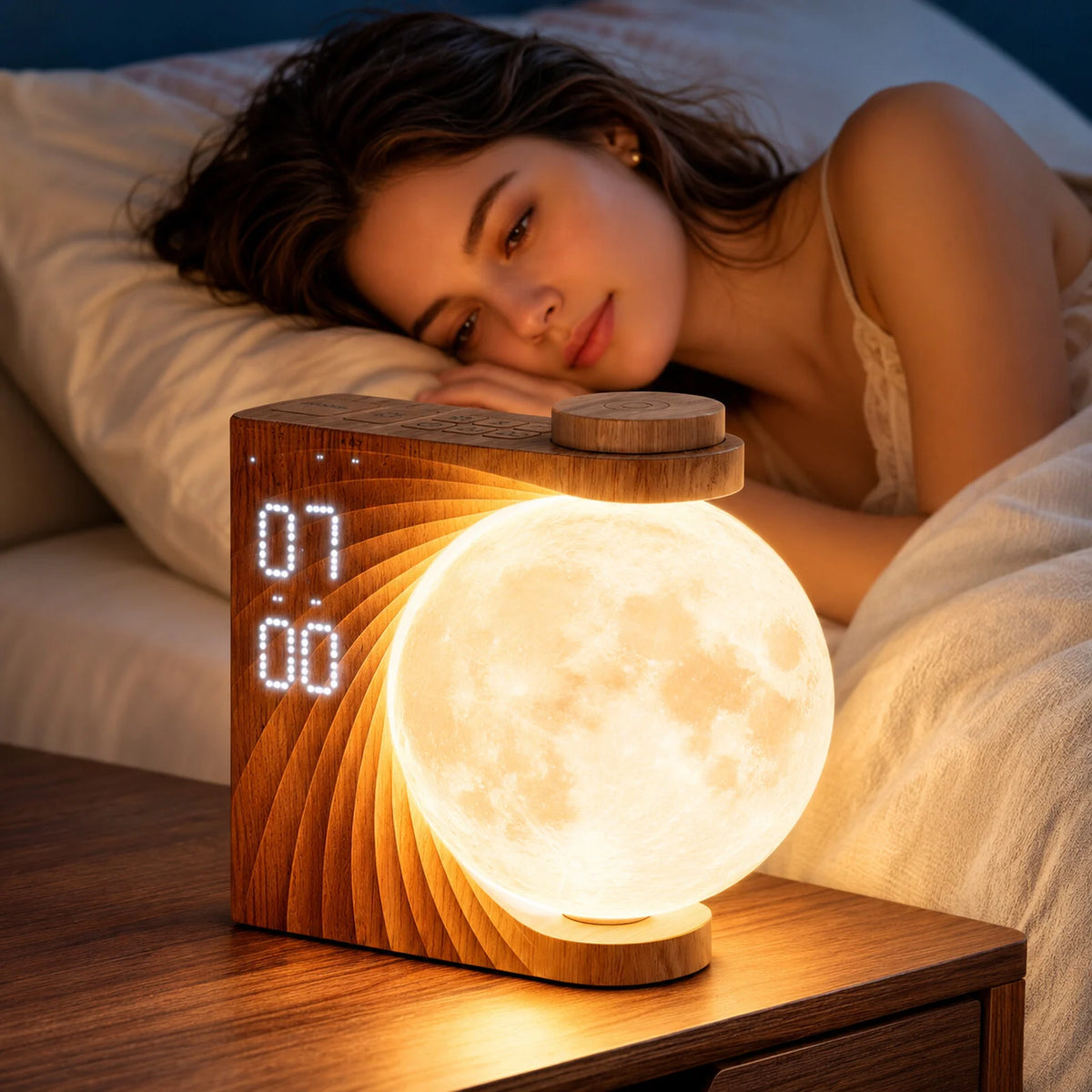
For a 7:00 a.m. alarm, Alarm 2 starts brightening at 6:50 a.m. Just set your wake-up time—there is no need to subtract 10 minutes. The sunrise cannot be turned off separately while Alarm 2 is enabled.
Press and hold the relevant alarm button to enter setup. Use the dial and brief presses of that button to adjust the time, volume, and tone. Then double-press the alarm button to enable it and check its indicator on the display.
Want a few more minutes? Snooze adds 10 minutes at a time, up to three times.
03 / Night Light & Colors
Night Light Brightness & Color Modes
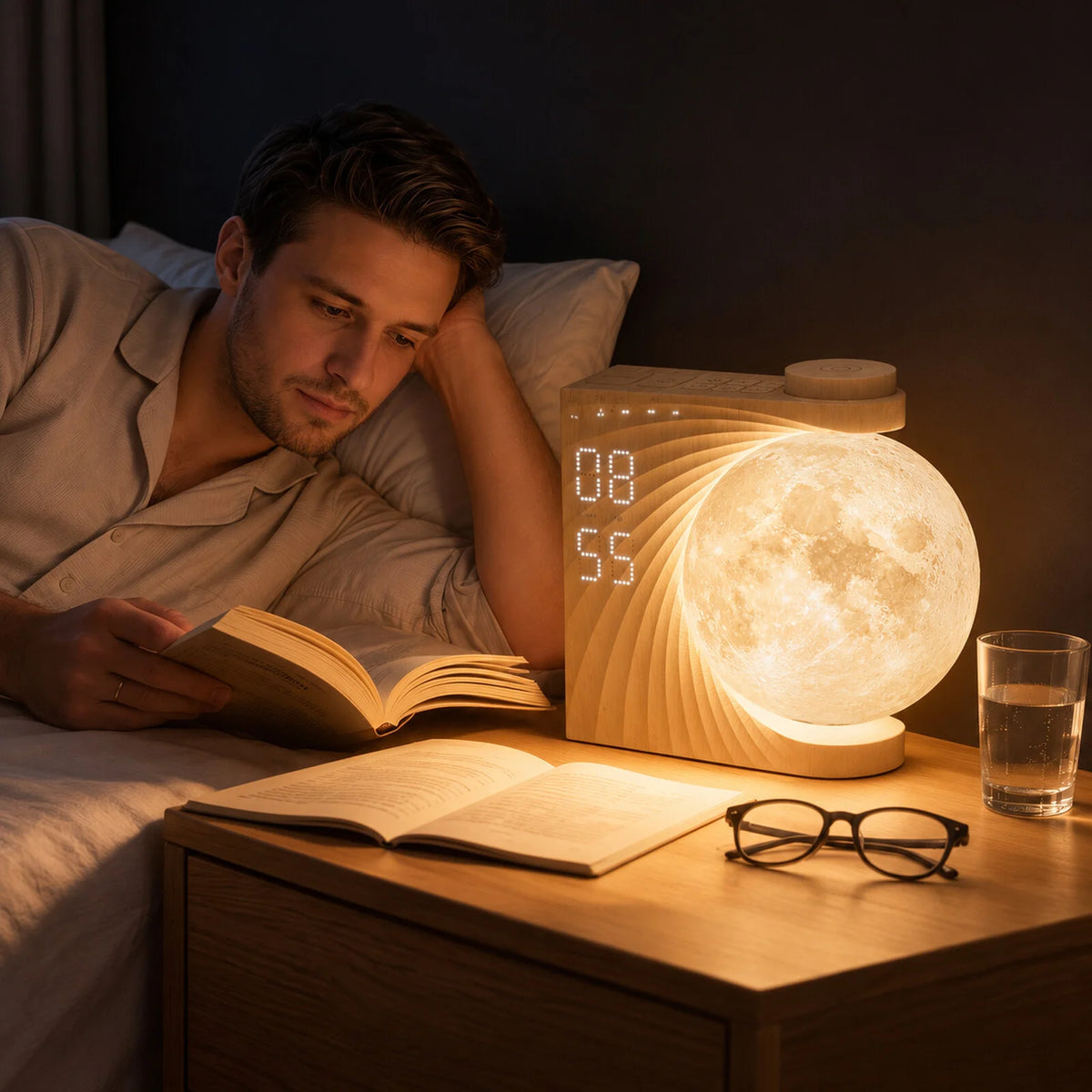
If you like a little light beside your bed, start with warm white. Try the color modes when you want a different look.
- Warm-white light: low, medium, and high brightness.
- Breathing mode: warm light that gently brightens and dims.
- Color light: eight solid colors and two color-changing modes.
- Clock display: turn off the digits separately while keeping your chosen light on.
Try the settings with your usual bedroom lighting and choose what feels comfortable.
04 / Sounds & Timer
Soothing Sounds & Sound Timer
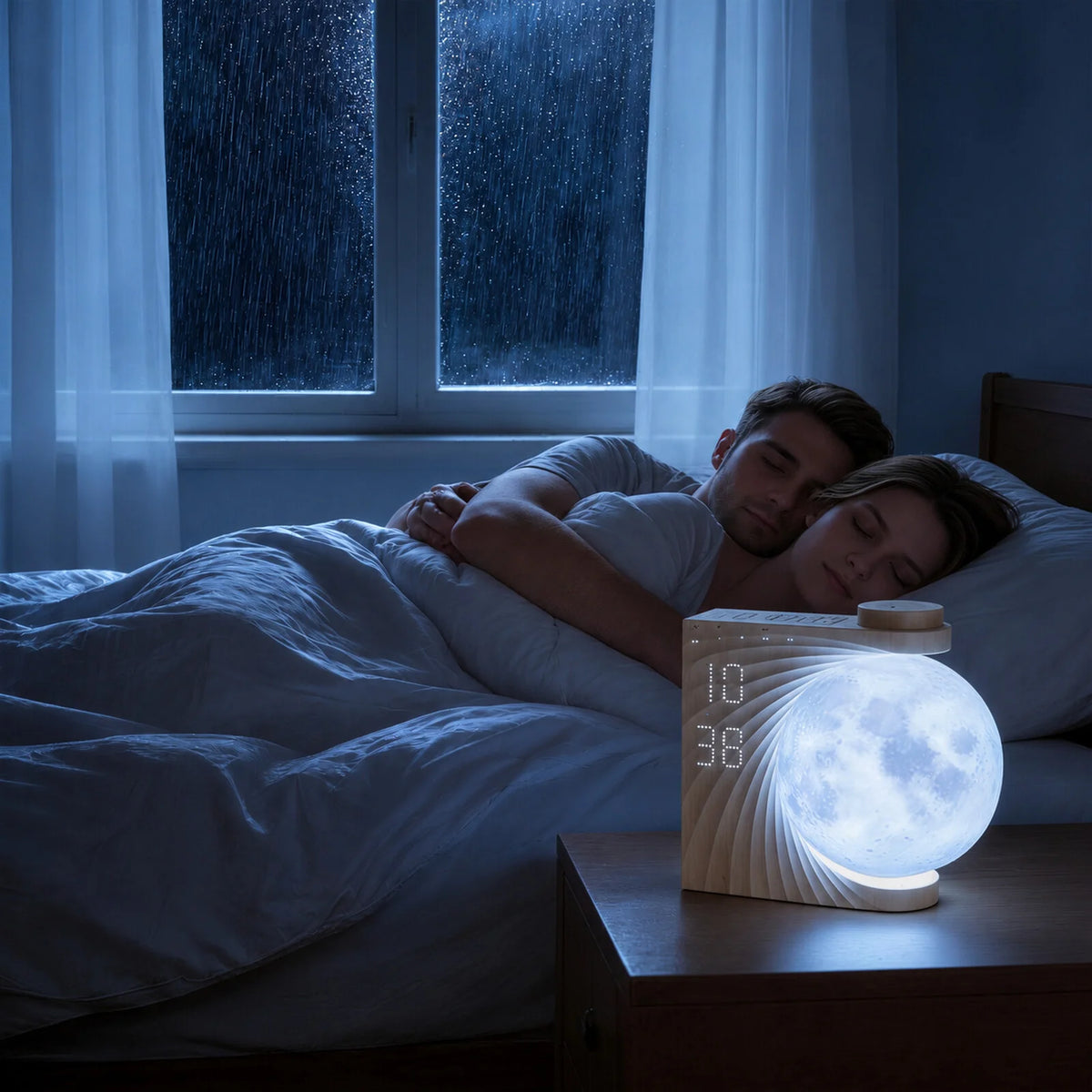
Do you prefer rain, ocean waves, or the familiar sound of a fan? Your AJ320A has 10 built-in sounds:
- Nature sounds: birdsong, ocean waves, a stream, a bonfire, insects, thunder, and rain.
- Other sounds: a fan, a music box, and a ticking clock.
Start at a low volume and pick what you would like to hear tonight. These sounds are separate from your morning alarm tones.
To stop playback automatically, choose a 30-, 60-, or 90-minute sound timer. A 30-minute setting, for example, stops the sound after half an hour.
Product Manual
These instructions follow the supplied AIRIVO AJ320A manual. See the user manual (PDF) for the complete button-by-button instructions.
EXPLORE AIRIVO
Meet Your Bedside Moon Clock
Wondering if it fits your nightstand? Explore the AIRIVO Moon Sunrise Alarm Clock for full features and package contents, or browse our Alarm Clocks collection.
Frequently Asked Questions
Can I wake up to light without an alarm tone?
Yes. Enable Alarm 2 and select V00 for its volume. The moon lamp still starts brightening 10 minutes before your set time. For an alarm tone without the sunrise, use Alarm 1.
Why does the sound keep playing when the timer says OFF?
OFF disables the timer; it does not stop the sound. Use the sound on/off control to stop playback immediately.
Does my clock need to stay plugged in?
Keep it connected during everyday use. The AJ320A uses a USB-C 5V/2A power input, and the wood-grain package includes a USB cable and power adapter.


Share:
How to Set Up Your 3D Galaxy Projector: Focus, Light & Sound