
THE AIRIVO JOURNAL / ROOM INSPIRATION
One familiar room. A different world for the evening.
A room does not need a new layout every time you want a different kind of evening. Sometimes it needs a different backdrop—and a little more thought about where everyone will sit.
01 / EVERYDAY WONDER
Space, oceans, and a story to share.
02 / YOUR KIND OF EVENING
A quiet corner or a small occasion.
03 / A CHANGE OF SEASON
Festive scenes, with room to live.
These 3D projector room ideas start with everyday spaces: the family sofa, a bedroom wall, a quiet corner, and a table cleared for a seasonal activity. Choose the atmosphere around what you plan to do, then give the scene somewhere uncluttered to land.
Lifestyle images are styled concept illustrations, rather than measurements of projection size or brightness. Projected imagery appears on a surface; it does not create physical objects floating in the room.
01 / A LIVING ROOM WITH A LITTLE MORE WONDER
Start with One Open Wall

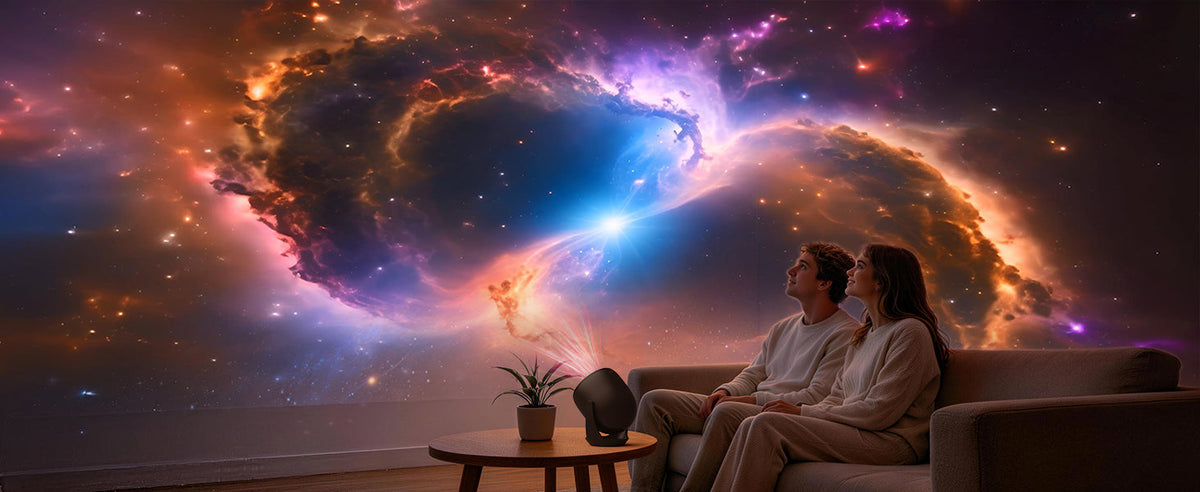
Before choosing a scene, sit where you normally spend the evening. Look for a wall that stays visible from that position without a tall plant, an open door, or a stack of furniture breaking up the picture. A plain section above a low cabinet can work better than the busiest corner of the room.
A cosmic scene gives a family gathering an easy starting point: choose a planet, imagine a destination, and let everyone name something they notice. You do not need to rearrange the entire room. Move the small objects that distract from the wall, keep drinks within reach, and leave a clear route past the seating.
THE STYLING NOTE Keep one small lamp available for snacks and conversation. Adjust the room lighting until the scene is visible while people can still move comfortably.
02 / STORYTIME THAT BORROWS A BACKDROP
Let the Scene Start a Conversation

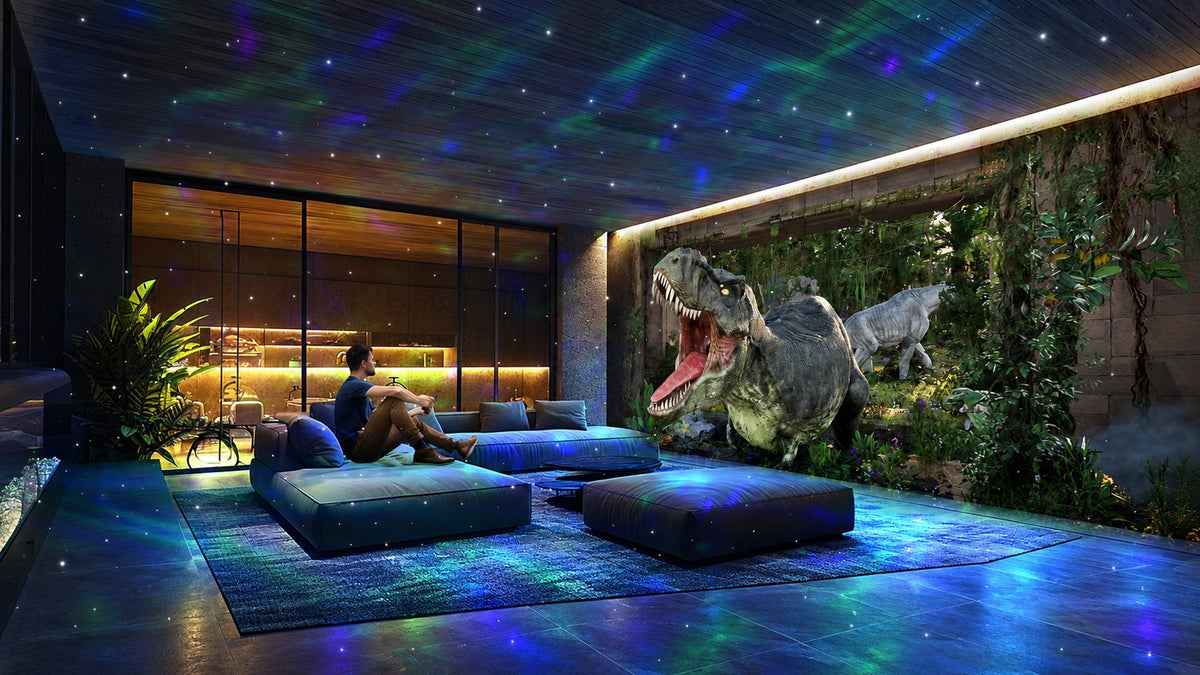
A forest or animal theme can become a setting for a story you make up together. Let a child choose a character, then ask what happens next. Keep the projector scene as the background rather than requiring the story to follow every change on the wall.
For a book, keep a separate reading light aimed at the pages. Ambient projection is not a substitute for task lighting. Place the device somewhere stable that children cannot easily knock, and route its cable away from feet and cushions.
THE STYLING NOTE One basket for books and a familiar blanket are enough. The corner should still be easy to use after the projector is switched off.
03 / AN OCEAN THEME WITHOUT A ROOM MAKEOVER
Build a Quieter Visual Palette

Blue and violet ocean imagery can provide a different mood from a high-contrast space scene. Try it against simple bedding or a neutral wall so that the image, rather than patterned accessories, becomes the main visual element.
Start with the scene on its own, then decide whether you want an additional light layer. The goal is a combination you enjoy looking at, not the largest possible number of effects. If the room feels visually busy, simplify the setting before adding more decoration.
04 / A CORNER FOR TAKING A PAUSE
Leave Room for Taking a Pause

A nature theme can sit behind stretching, journaling, or simply listening to a playlist. Choose the clear floor space first. Put the projector and its cable outside the area where your hands and feet will move, even if a styled illustration places the device closer to the activity.
Keep ventilation openings clear and avoid setting the unit on bedding or inside a basket. For a quiet activity, listen to the device in the room before deciding where to place it: the cooling fan may be audible.
THE STYLING NOTE Use a side table for water and a notebook. A useful surface makes this a corner you can return to, rather than a scene arranged only for a photograph.
05 / FROM A BEDROOM BACKDROP TO DATE NIGHT
From a Bedroom Backdrop to Date Night

In a bedroom, check the viewing angle from the pillows before settling on a position. Keep the bedside lamp accessible and leave the everyday essentials where you can find them. A moonlit ocean scene can be a visual backdrop while you talk or listen to music; you can switch it off when you are ready to finish the evening.

For a more deliberate occasion, borrow the Ferris wheel scene as a cue for a night at home. Arrange two comfortable seats, clear a place for a drink, and choose a short playlist before you start. Use battery candles if you want a candlelit look around blankets or floor cushions.
Bluetooth on this model is for audio playback. Use the projector's controls or supplied remote for the visual settings.
06 / SEASONAL DECOR THAT STILL LEAVES SPACE TO LIVE
Change the Backdrop with the Season
Halloween / A Playful Gathering

For Halloween, one pumpkin and a small grouping of decorations can anchor the room while the scene supplies the theme. Choose imagery that suits everyone watching, especially younger children. Keep doorways visible and decorations clear of the device's ventilation.
Christmas / A Room to Share

At Christmas, start with the seating rather than another layer of ornaments. A snowy scene can sit behind a family game or a conversation without taking up the table. Keep actual candles, heaters, and the projector apart; illustrated fire or glowing objects in a concept image do not represent physical effects produced by the device.
Spring / An Afternoon of Making

For a spring craft afternoon, use the scene as a background and keep the work surface properly lit. Put scissors, paint, and drinks on the table, with the projector on a separate stable surface. The activity should stay practical even when the room has a playful theme.
THE STYLING NOTE Choose a small set of reusable decorations. A seasonal backdrop works best when it leaves room for the people and the activity.
07 / MAKE THE SETUP FIT YOUR ROOM
Make the Setup Fit Your Room

THE PROJECTOR IN THIS STORY
AIRIVO 3D Galaxy Projector — Black
The black AIRIVO 3D Galaxy Projector combines scene projection, nebula lighting, moving stars, and audio playback. Treat those as choices: begin with the scene that suits the occasion and add other effects only if you prefer the result.
SCENE PROJECTION · NEBULA LIGHTING · BLUETOOTH AUDIO
Place the unit on a stable surface, aim it at your chosen wall or ceiling, and adjust the focus for that position. Check the result from the seats people will actually use. If furniture interrupts the image, change the placement before reaching for more decoration. Keep the beam away from people's eyes.

Aim the supplied remote toward the front of the projector, as shown in the product diagram. Keep that direction accessible when deciding where the device will sit. A position that looks neat but makes every adjustment awkward will become frustrating quickly.
Set a timer when you want the session to end automatically, and switch the unit off when you finish. Use this model's product instructions to check the available timer settings.
THE NEXT SCENE IS YOURS
Start with the Room You Already Love
Choose one evening and one clear surface. Explore the black AIRIVO 3D Galaxy Projector on Amazon for current product details and availability.
Explore AIRIVO on Amazon →For another way to plan an evening at home, read Galaxy Projector Ideas for a Cozy Night In.
Frequently Asked Questions
Where should I place a 3D projector in a living room?
Choose a stable surface with a clear path to the wall or ceiling you want to use. Check the view from your seating, keep ventilation openings clear, and route the cable away from walkways. Adjust the focus after positioning the projector.
Do the illustrated scenes float in the room?
No. The projector displays imagery on a surface. The lifestyle images are styled concept illustrations and do not establish actual projection size, brightness, or apparent depth.
Does Bluetooth control the visual scenes?
Bluetooth is for audio playback. Use the supplied remote or the projector's controls to adjust the visual settings.
Where should I point the remote?
Aim the remote toward the front of the projector, as shown in the product's remote-direction diagram. Keep the front accessible when choosing a position.
Can I use the projection as a reading light?
Keep a separate task light for reading, crafts, and other activities that need clear visibility. Ambient projection does not replace a reading lamp.
Share:
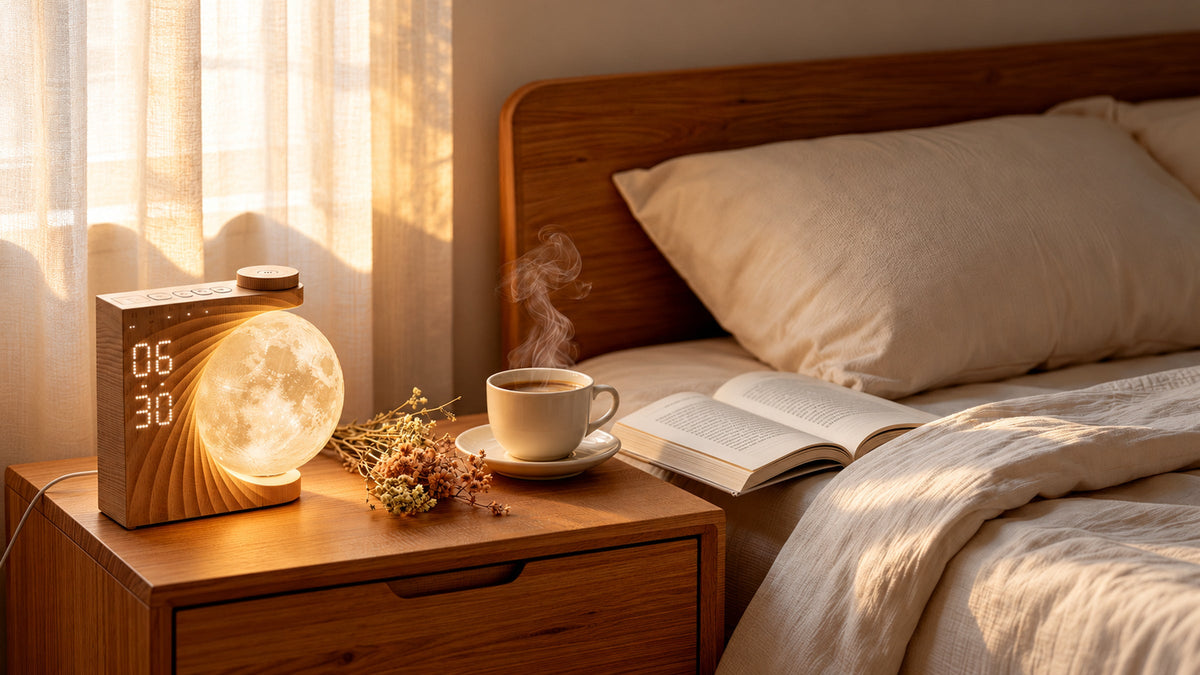
Small Nightstand Ideas: Make Room for What Matters
How to Set Up Your 3D Galaxy Projector: Focus, Light & Sound